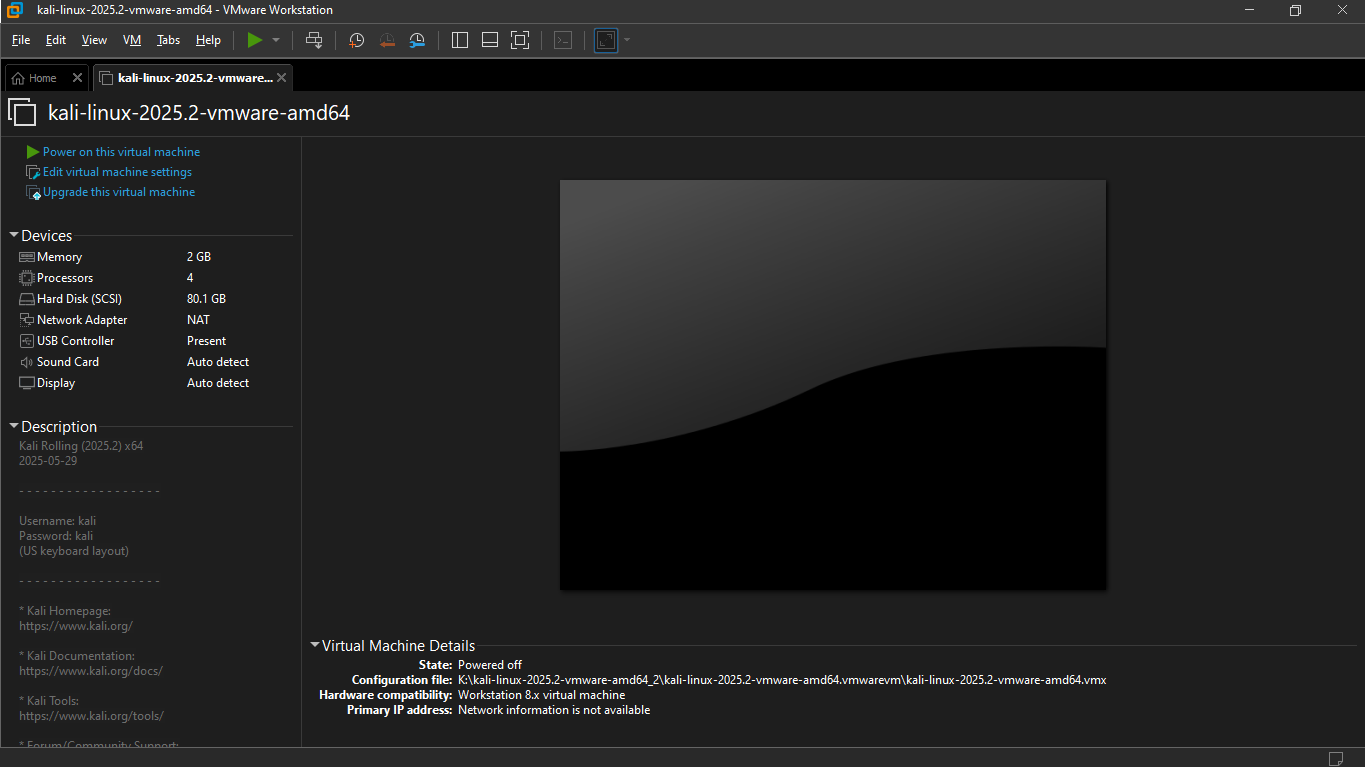
If you’re curious about technology like me, you probably want to explore Linux, try programming, or test security tools. But here’s the truth: learning by doing can be dangerous if you don’t have the right setup.
Imagine this: you’re experimenting with Kali Linux or another Linux version. You type a command, thinking it’s harmless—but instead, it deletes an important system file or breaks your computer. Suddenly, your laptop won’t start, or worse, all your files are lost. 😱
It’s not just Linux commands. Sometimes, trying to set up networks, install software, or configure servers can go wrong. Even simple mistakes in terminal commands or editing the wrong folder can make your system unstable. As students, we don’t have the luxury of losing our main computer.
This is exactly why virtual machines (VMs) exist. They let you experiment safely inside a computer inside your computer.
Countless Virtual Machines Are Available – Why VMware?
You might ask: “There are many virtual machines—VirtualBox, Hyper-V, VMware—why VMware?”
I’m not promoting it, just sharing what worked best for me as a student:
- User-Friendly and Reliable: VMware is easy to install, stable, and doesn’t crash often. Stability matters—you don’t want to waste hours troubleshooting the VM itself.
- Better Performance: Compared to some free alternatives like VirtualBox, VMware runs operating systems smoother, uses system resources more efficiently, and handles graphics or complex software better.
- Easy Integration Between Host and VM: Copying files, sharing folders, or switching between Windows and Linux is simpler in VMware, which is great when you need Windows for Microsoft tools and Linux for experimentation.
- VMware Pro Is Now Free for Students : Previously, some features were paid, but now VMware Pro is free for personal use. Students can access advanced features without paying a dime, making learning Linux, programming, and cybersecurity easier.
Why VMware Is Essential for Students
- Safe Experimentation: Break something in Linux? No problem—you reset the VM. Test commands, explore security tools, or try risky projects without affecting your main computer.
- Learn Multiple Systems at the Same Time: Use Linux for programming, networking, and cybersecurity practice. Use Windows for Microsoft tools like Word, Excel, PowerPoint, Visual Studio, or design software that Linux can’t run.
- Hands-On Learning Without Fear: Experiment, make mistakes, and actually learn by doing—the fastest way to understand technology.
My Personal Experience
Before VMware, I was afraid to try Linux on my main computer. I didn’t want to accidentally delete files, crash Windows, or make my laptop unusable. VMware changed everything. Now I can explore Linux, practice commands, and test projects while still having all my Microsoft tools available on Windows.
It feels like having two computers in one—one for safe experimentation, and one for real work. I’m still learning, but using VMware has already made me more confident and curious about technology.
How to Get Started
- Download VMware Workstation Pro (free for students and personal use).
- Install a virtual machine, like Linux Ubuntu or Kali Linux.
- Start experimenting safely, and switch to Windows whenever you need Microsoft tools.
Even small experiments in a VM teach you more than just reading books or watching tutorials.
Conclusion – Explore Safely and Learn Freely
Students in Nepal, if you want to learn Linux, practice programming, or explore cybersecurity safely, VMware is essential. It protects your computer, lets you experiment freely, and balances your Windows tools, giving you the best learning environment.
I’m still learning too, but VMware has already made exploring technology fun, safe, and practical. Don’t wait—download it today and start experimenting safely!